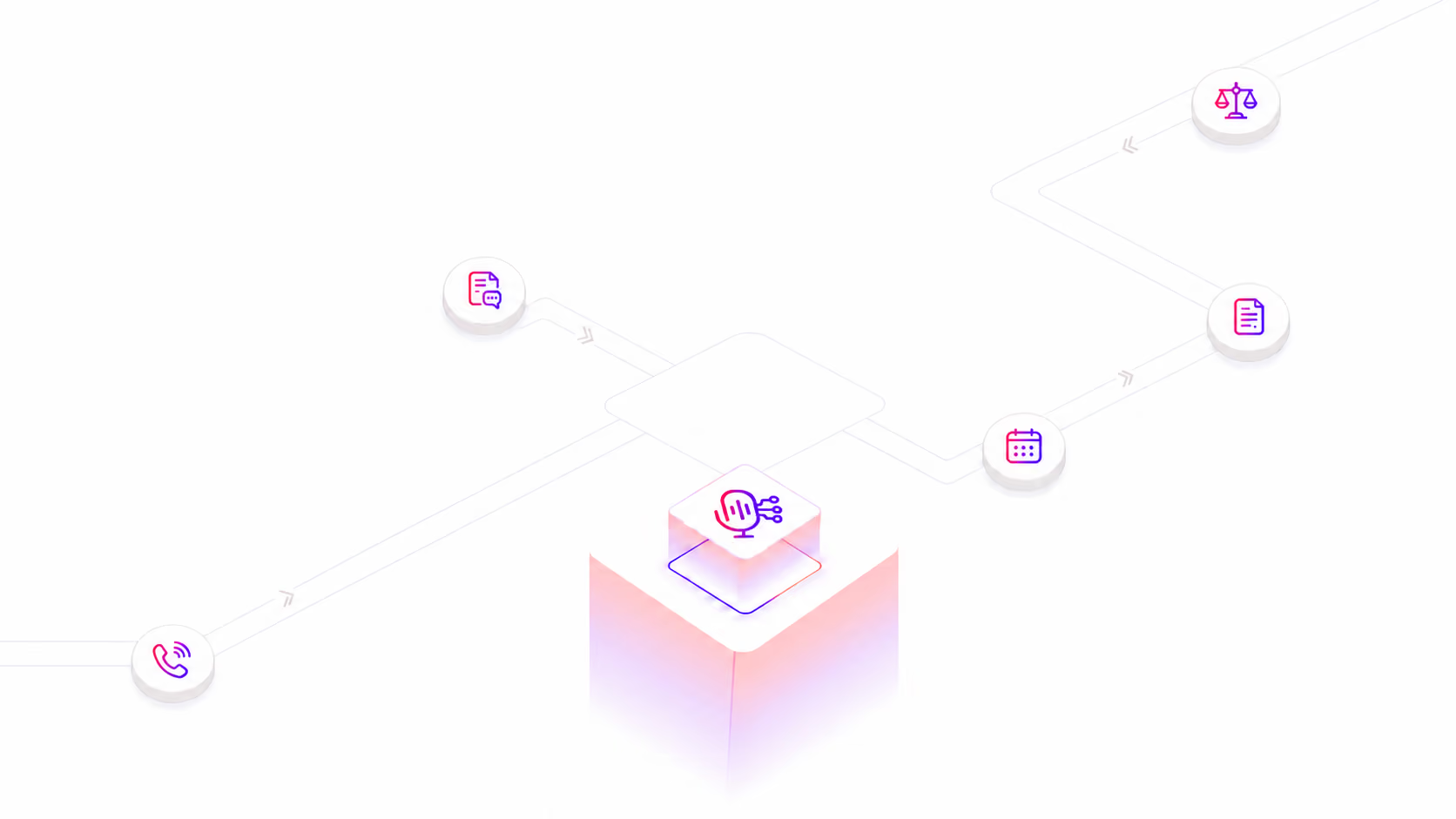
Keep court dates moving from the docket to Clio automatically.

Automated Calendar Sync Agent

LawPilots checks open matters for upcoming hearings and deadlines, compares them against the firm’s existing Clio calendar, and creates missing events while avoiding duplicate appointments.

Collaborate with your team

Organize projects at a glance

LawPilots / Automated Calendar Sync Agent
Daily Court Calendar Sync
Scanning open matters for future hearings and deadlines
AUTOMATED
Open Matters
42
Events Found
9
Already Exists
6
Created
3
Docket Alarm
Upcoming hearings + deadlines
Clio Calendar
Existing event check + event creation
Court Event Matter Status Date
Status Conference
Circuit Court
Smith v. Adams Created Aug 19
Motion Hearing
District Court
Harris Matter Exists Aug 22
Response Deadline
Court docket
Riverside LLC Created Aug 28
Sync completed
NO DUPLICATES CREATED
Open matters processed 42
Existing Clio appointments retained 6
Missing court events added 3
Illustrative product UI. Actual event availability depends on configured court-data sources and matter coverage.

How it works

From Court Event to Clio Calendar Automatically

The Calendar Sync Agent retrieves upcoming hearings and deadlines, checks existing Clio calendar entries, and creates only what’s missing, helping prevent duplicate events and manual re-entry.

Run

The calendar sync starts automatically on the configured daily schedule.

Read Open Matters

Use the Clio-connected workflow to identify matters currently in the open matter set.

Retrieve Court Events

Use the configured Docket Alarm workflow to retrieve available future hearings and deadline information for those matters.

Check Calendar

Compare the discovered court events with existing Clio calendar entries before creating anything new.

Create Missing Events

Add calendar entries for court events that are not already represented in the configured Clio calendar.

Daily Automated Synchronization
Calendar Sync Agent Processes configured open matters
Daily
01
Clio open matters
Build the matter processing set
02
Docket Alarm event retrieval
Collect available future hearings and deadlines
03
Clio calendar comparison
Check whether each event already exists
04
Duplicate decision
Existing event → retain · Missing event → create
05
Calendar creation
Create the missing court calendar entries
Duplicate-aware synchronization
CHECK BEFORE CREATE

The workflow checks the existing Clio calendar before creating a new appointment, helping reduce duplicate court-event entries during recurring daily runs.

Calendar Sync Uses

One synchronization engine. Multiple court-calendar workflows.

Retrieve available docket details and surface the procedural context needed to decide whether a matter deserves deeper review.

01

Daily Hearing Sync

Find upcoming court hearings tied to open matters and create the missing events in Clio.

Example Workflow

Scan open litigation matters each morning and sync available upcoming hearing dates.

02

Court Deadline Sync

Bring available future docket deadlines into the firm calendar alongside hearings and attorney appointments.

Example Workflow

Identify future response or court deadlines and create missing Clio calendar entries.

03

Duplicate-Safe Daily Runs

Run the synchronization every day without repeatedly creating appointments that are already on the calendar.

Example Workflow

Check the Clio calendar first; skip a court event when a matching appointment already exists.

04

Portfolio-Wide Litigation Sync

Apply the same calendar workflow across the configured open litigation matter portfolio.

Example Workflow

Process all designated open matters in one scheduled synchronization cycle.

05

Multi-Attorney Calendar Operations

Standardize how court events enter Clio so attorneys are not individually responsible for every routine calendar update.

Example Workflow

Centralize court-event synchronization into the firm’s configured calendar process.

06

Newly Updated Docket Coverage

Use the recurring daily workflow to bring newly available future event data into the next synchronization cycle.

Example Workflow

When a future hearing appears in the configured docket source, compare it with Clio during the next run.

Why LawPilots
More than a calendar integration. A matter-aware court sync workflow.

The value is not simply creating a calendar entry. It is continuously connecting open matters, available court-event information, existing appointments, and missing-event creation in one recurring process.

Calendar workflow Manual entry Basic calendar import LawPilots Automated Calendar Sync
Processes open matters on a schedule Manual Limited Yes
Retrieves configured court-event data Manual search Depends on source Integrated workflow
Checks existing Clio appointments Manual Varies Before creation
Avoids duplicate creation User judgment Varies Core workflow
Creates missing Clio calendar events Manual Sometimes Yes

FAQs

Questions legal teams ask before trusting AI research.

What is the LawPilots Automated Calendar Sync Agent?
Does the agent work with Clio?
What does Docket Alarm do in the workflow?
How does the agent prevent duplicate calendar entries?
Does the calendar sync run automatically?
Can it process all open matters?
Can it sync both hearings and court deadlines?
See the Calendar Sync Agent in Action

Discover how LawPilots can automatically bring upcoming hearings and deadlines into Clio, check existing calendar entries, and create only what’s missing.

Thank you! Your submission has been received!
Oops! Something went wrong while submitting the form.

Chat to sales

Chat with our sales it’s 24/7 free

support@omni.com

Call us

Call us sales it’s 24/7 free

012244445566

Address

Visit our address it’s 24/7 free

190 Shiloh Hawaii 81063

See LawPilot.ai in Action

Join 200+ law firms automating their legal operations

LawPilots.ai

LawPilots.ai

LawPilots.ai

LawPilots.ai

LawPilots.ai

LawPilots.ai